
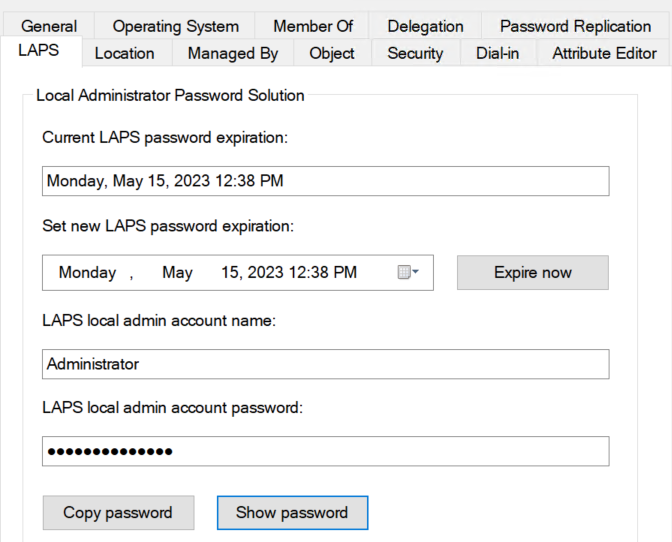
In October 2022, I published a blog post titled The 10 most important details about the upcoming Windows LAPS solution, which revealed that Microsoft was developing a new LAPS solution called Windows LAPS. This solution would address the long-awaited support for cloud-only devices. As of April 11, 2023, Windows LAPS for Windows Server Active Directory is now publicly available. Previously, Windows LAPS was only accessible through private preview. Unfortunately, Windows LAPS for Azure Active Directory remains in private preview and is not open to new customers. However, the Azure Active Directory LAPS scenario is anticipated to enter public preview in Q2 2023. In this blog post, I will be sharing my initial testing impressions of Windows LAPS with the Windows Server Active Directory (on-premises) scenario.
- Supported platforms
- The advantages of Windows LAPS over Legacy Microsoft LAPS
- Windows LAPS for Windows Server Active Directory – Configuration
- Windows LAPS for Windows Server Active Directory – Admin Experience
- Conclusion
 Gobisweb